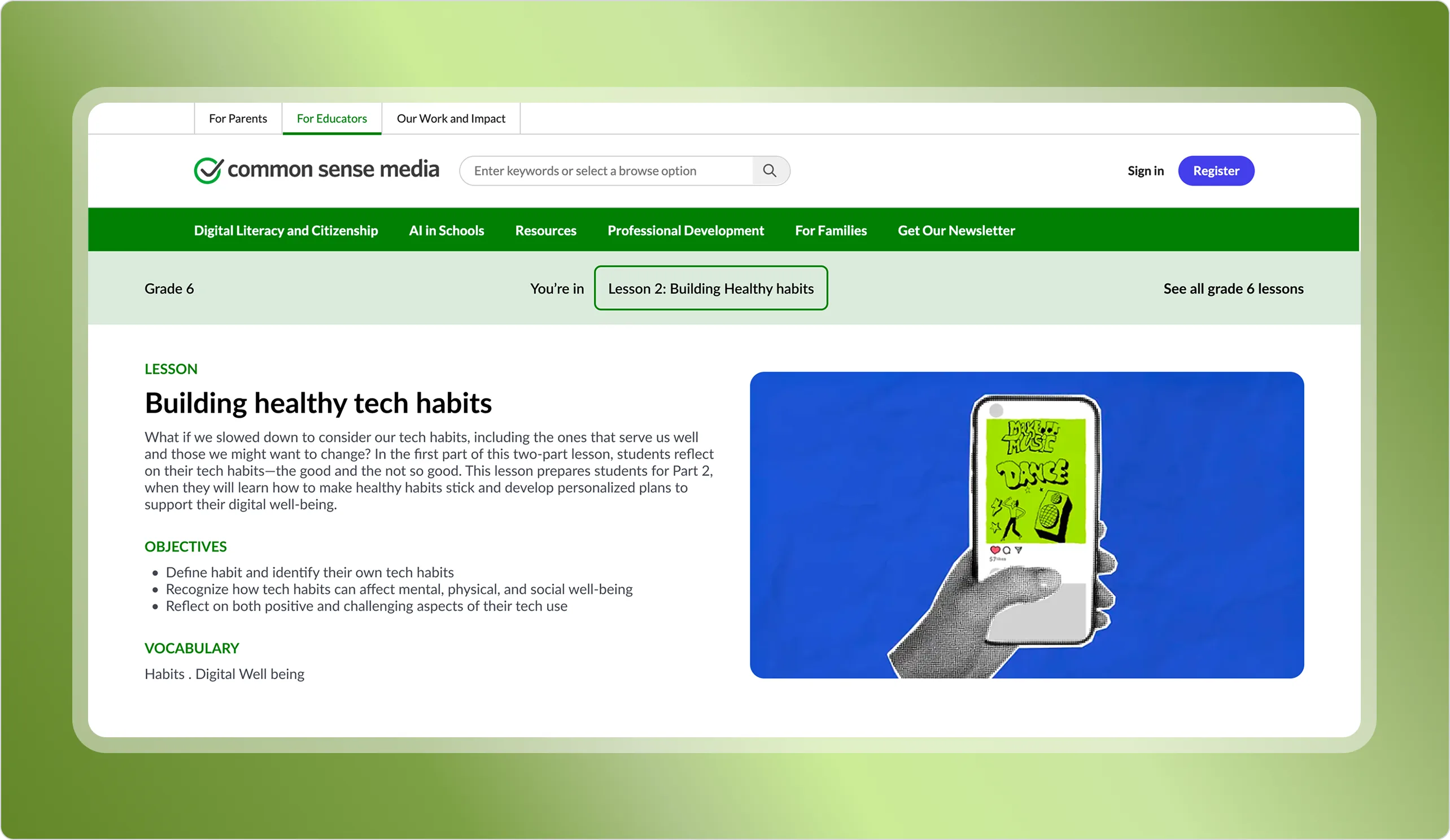
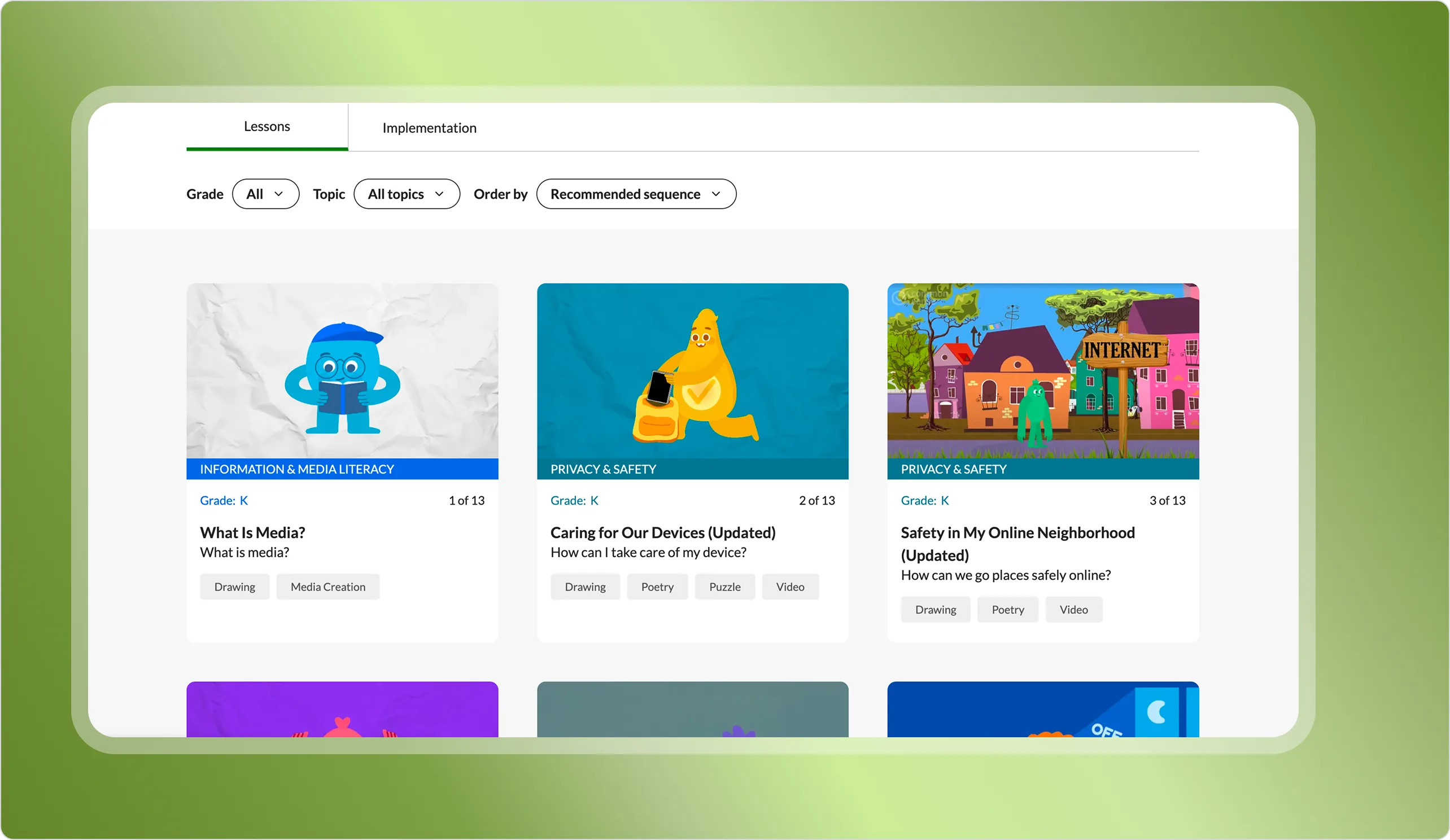
Designing a curriculum tool for deeper teaching
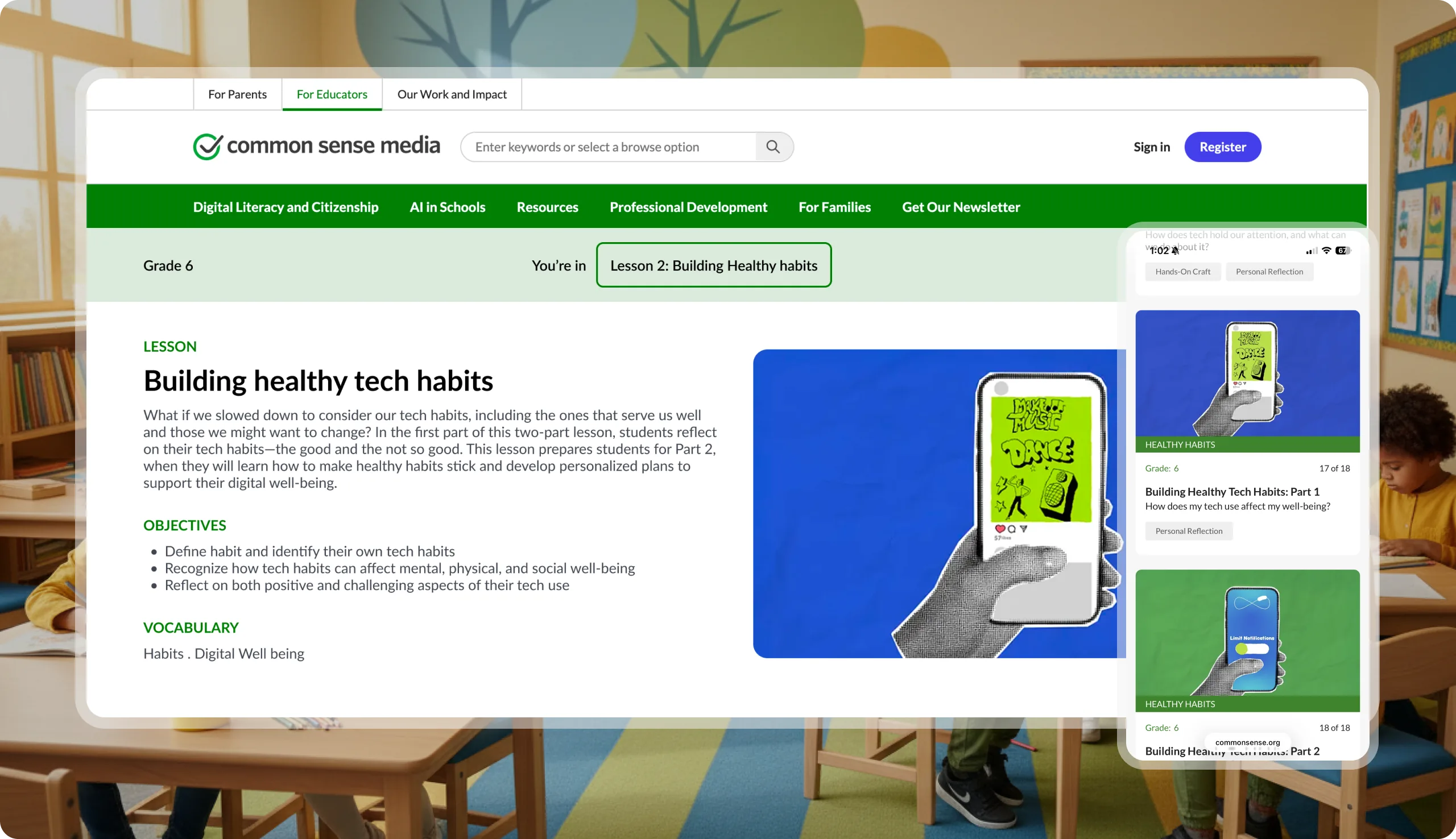
Our team at Common Sense Media set out to reimagine the Digital Literacy and Well-being Curriculum to better support K–8 educators. Our challenge was that educators are overwhelmed with fragmented digital resources and lack a centralized, intuitive platform for curriculum delivery. The challenge was designing a system that fits naturally into how teachers already plan and teach — without adding complexity to their already demanding workflows.
I was the sole product designer on this initiative, leading end-to-end—from early research through to final QA. I worked closely with stakeholders and collaborated with cross-functional partners throughout the process.
Product Manager, Product Designer (me), Brand Designer, Head of Design, VP of Product, Education Stakeholders, Engineers
Design-driven approach improved discoverability and engagement, resulted in a 54% increase in traffic to lesson pages.
Architected the digital literacy and well-being curriculum that now serves 1.4 million educators across the globe
As part of the discovery phase, I conducted a competitive analysis to understand how other educational platforms structure and deliver curriculum experiences. I focused on content accessibility, lesson sequencing, clarity of implementation, and overall UX. Here's what I found:

While these platforms offer strong content and helpful features, most fall short in guiding educators through a clear, manageable path to deep implementation.
Many rely on extensive filtering or self-directed discovery, which can overwhelm teachers under time constraints. This gap validated our approach: giving teachers just enough structure.
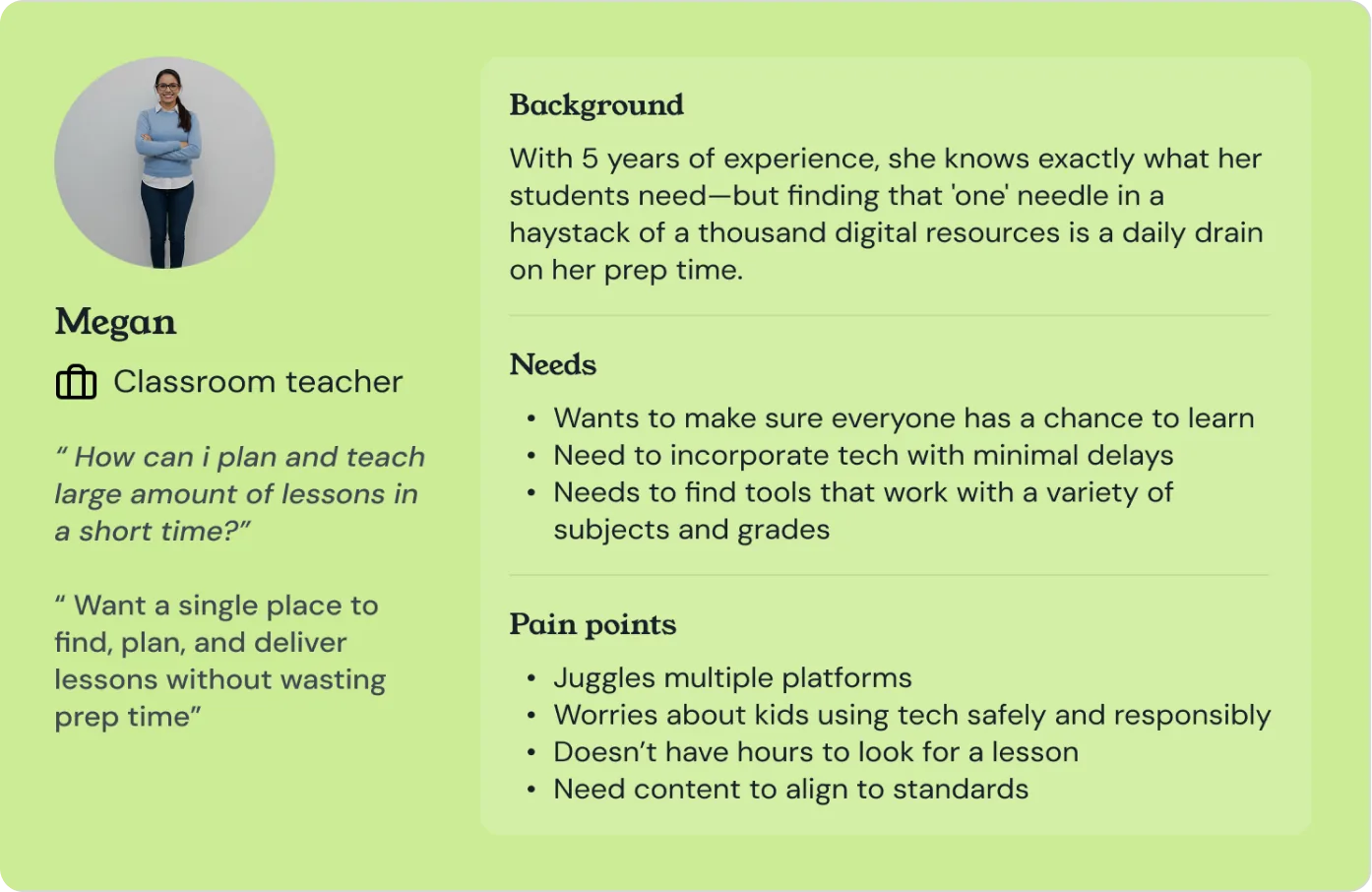
To better understand the prospective user for the Digital Literacy and Well-being Curriculum (DCR), we created a detailed user persona based on interviews and research with educators. We mapped out their habits, goals, and common classroom routines to identify how they typically plan and teach digital content. We also documented key pain points—like feeling overwhelmed by too much material, uncertainty about where to start, and difficulty integrating lessons into tight schedules. This foundation helped ensure our design decisions directly addressed real user frustrations and aligned with their daily workflows.
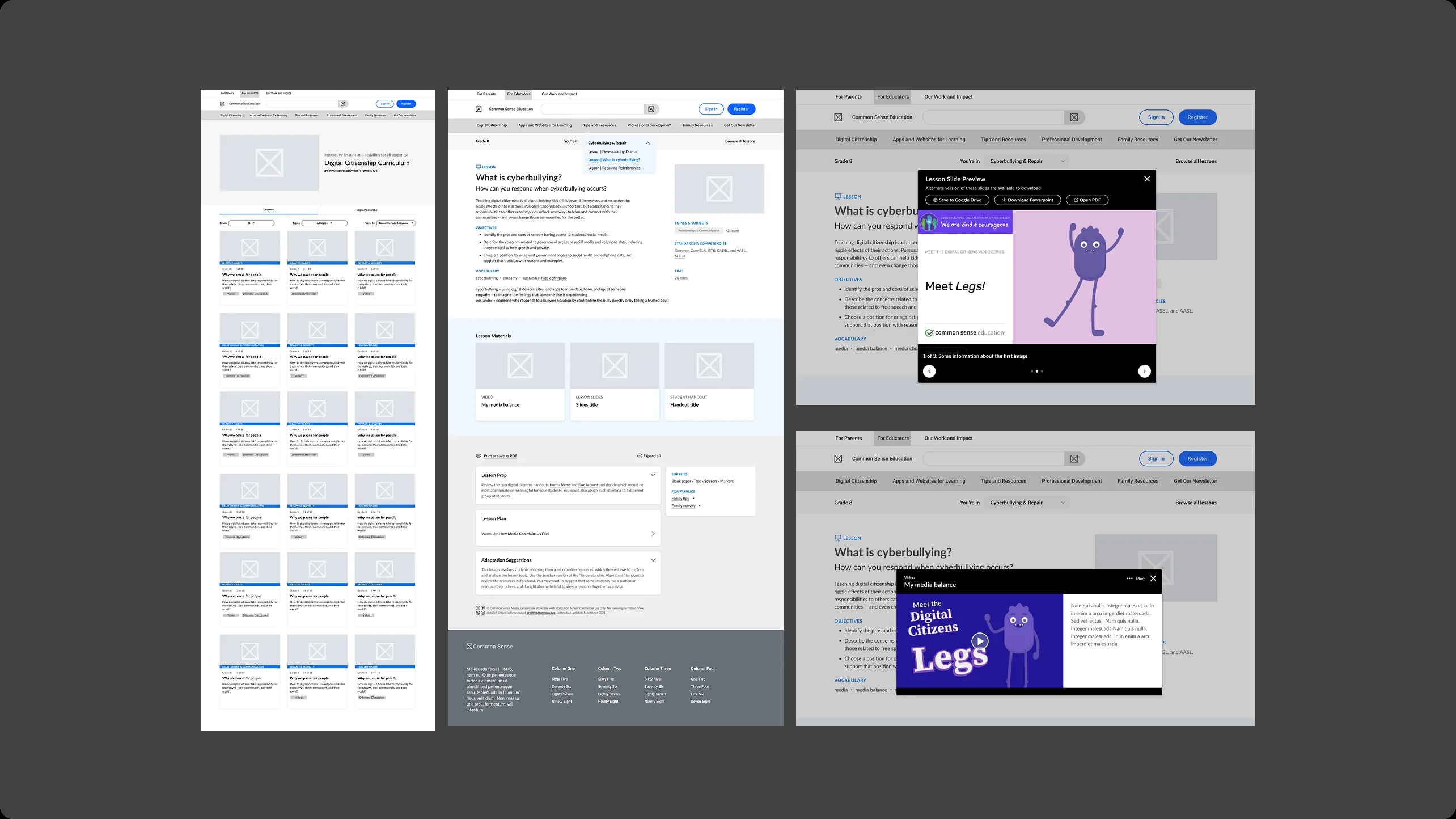
With a clear understanding of our users' needs and pain points, I began the design phase by creating mid-fidelity wireframes to explore how we might simplify the lesson discovery and planning experience. Starting with this level of fidelity allowed us to focus on structure, flow, and hierarchy without getting too caught up in visual details. I explored several layout options and interaction models—particularly around how to present lesson sequences, grade-level filtering, and resource previews in a way that felt approachable rather than overwhelming.
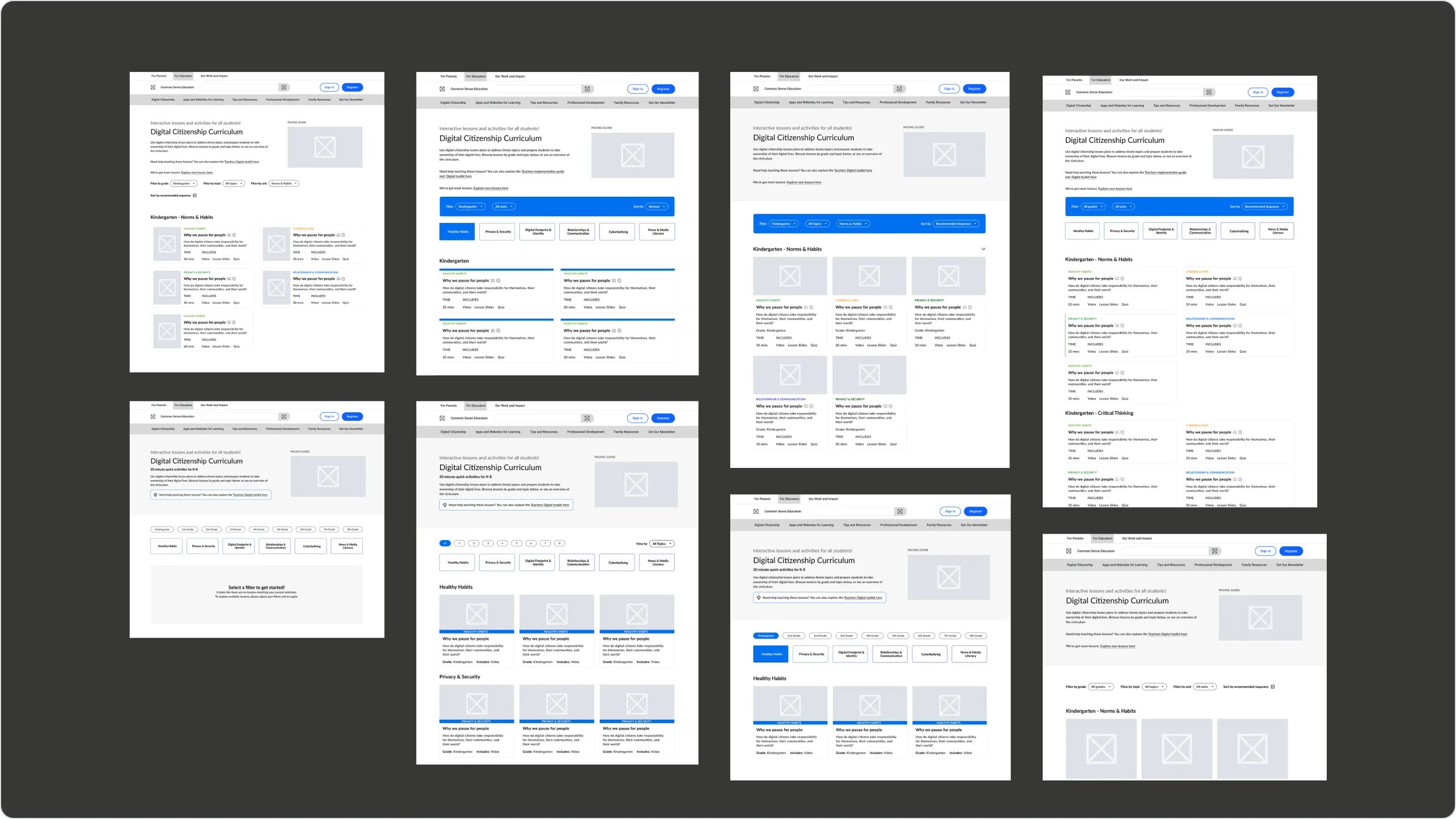
To validate the architecture, I conducted usability testing with 5 key users. These sessions highlighted friction points in the lesson navigation and topic selection. After iterating on the card components and refining the flow based on stakeholder feedback, I moved the finalized wireframes into high-fidelity production.
I moved to Figma to build a Design System that was accessible (WCAG 2.1 compliant) and vibrant. Visual Language: Used bold, high-contrast colors to differentiate curriculum topics.